
Design agent
AI Graphic Design Generator
Chat with the Contentdrips AI Graphic Design Generator to generate professional and high quality graphics. Upload your style inspiration, brand kit and design details to get custom editable graphics.
Editable on the canvas · Brand kit applied · Reference images welcome
From idea to finished graphic in three steps.
Tell the AI Design Agent what you need, point it at your source, then fine-tune the result by chatting or on the canvas.
Share your style
Give the agent everything it needs to design like you, once, and keep every graphic on brand.
- Upload your brand kit, logos and style references for a consistent look
- Add photos to the Smart Image Library so the agent picks the right ones for each graphic
- Choose a canvas size for the platform you are posting to
- Prompt the agent with the details that matter: message, tone, layout
A LinkedIn announcement graphic, navy and cream, big type, our logo top-left
Choose what to turn into a graphic
Start from a simple topic or paste a link. The agent reads the source, pulls out the key ideas and writes the copy for you.
- A graphic topic or a single sentence
- Instagram Reels, TikTok videos, YouTube videos and Shorts
- Your personal website or a blog post
Generate, edit and publish
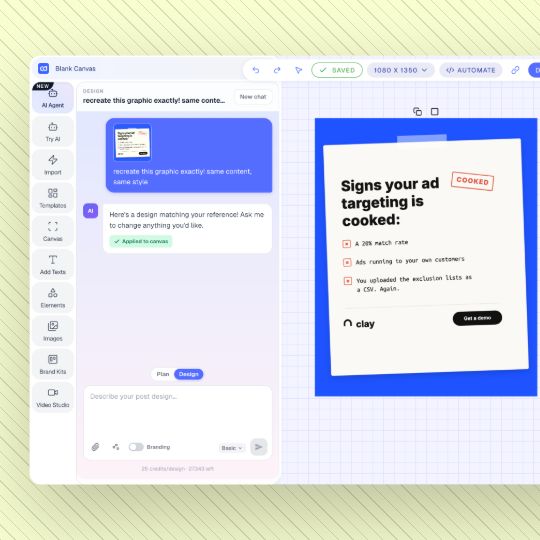
Your design lands on an editable canvas. Change anything by asking, or jump into the editor for quick tweaks.
- Edit copy and design by chatting with the AI Design Agent
- Use the editor for quick manual edits
- Export as PNG or PDF
- Schedule to your favourite social platforms
Teach the Agent Your Style
Three ways to keep graphics looking like you, and they work together. Use a saved style for the base look, add a reference for one special post, and turn on your branding to keep colors and fonts consistent.
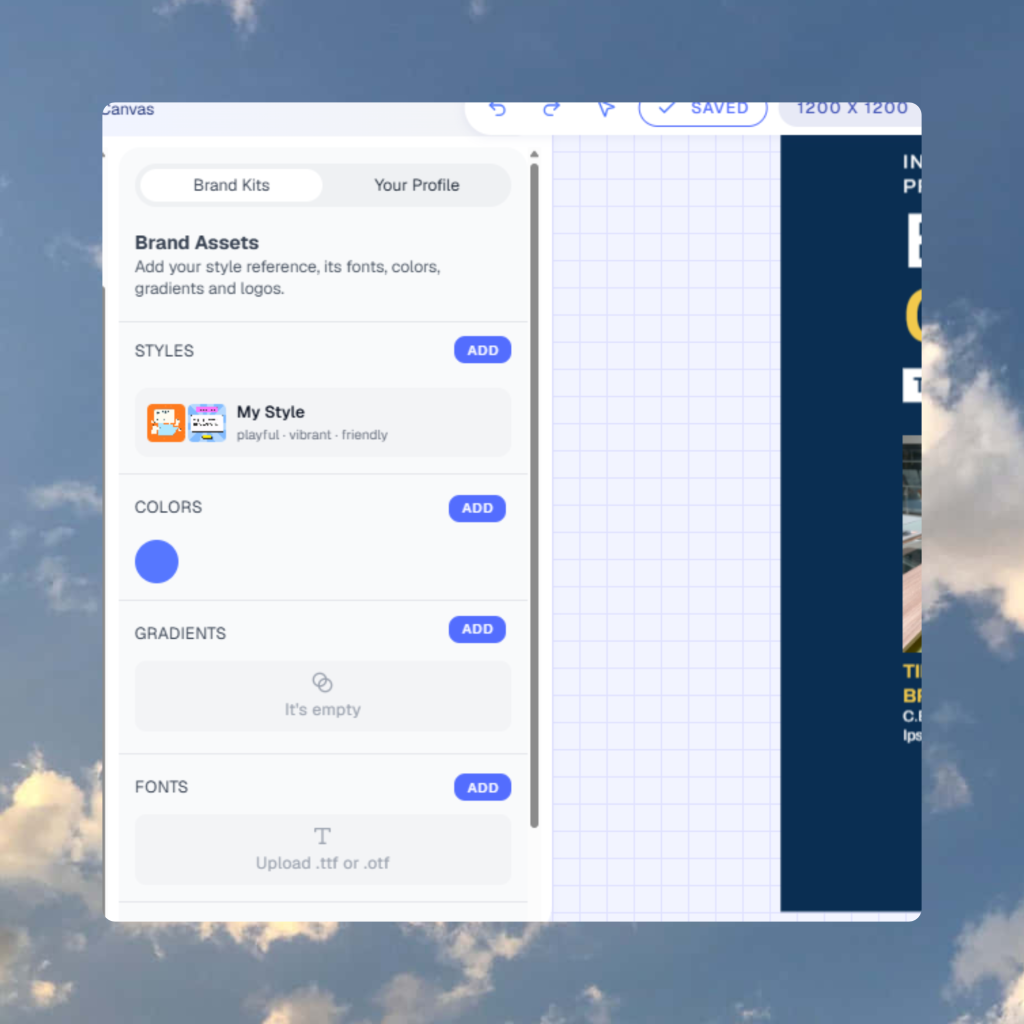
Save a style from posts you like
Add one to three inspiration posts, name the style, and reuse it any time.
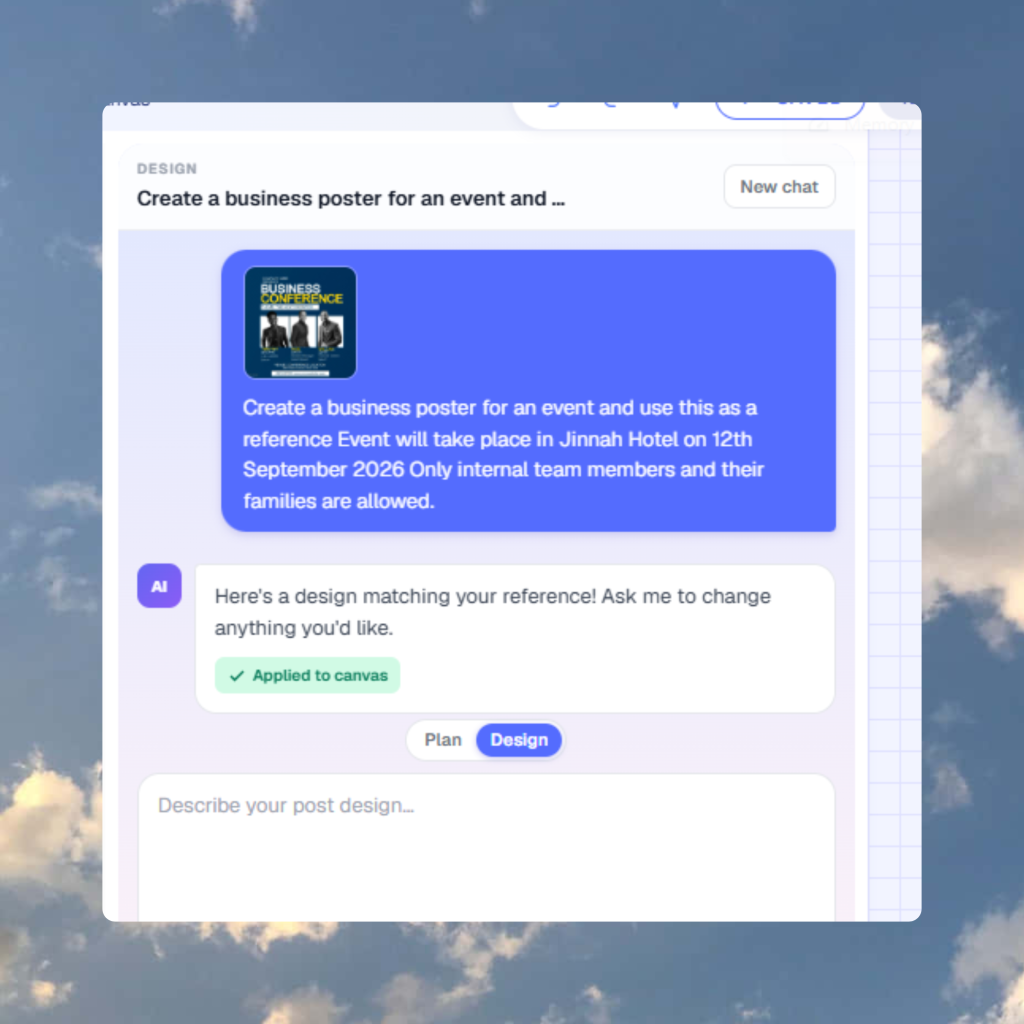
Recreate a look once
Upload a reference image for a single design. It is a one-off and is not saved.
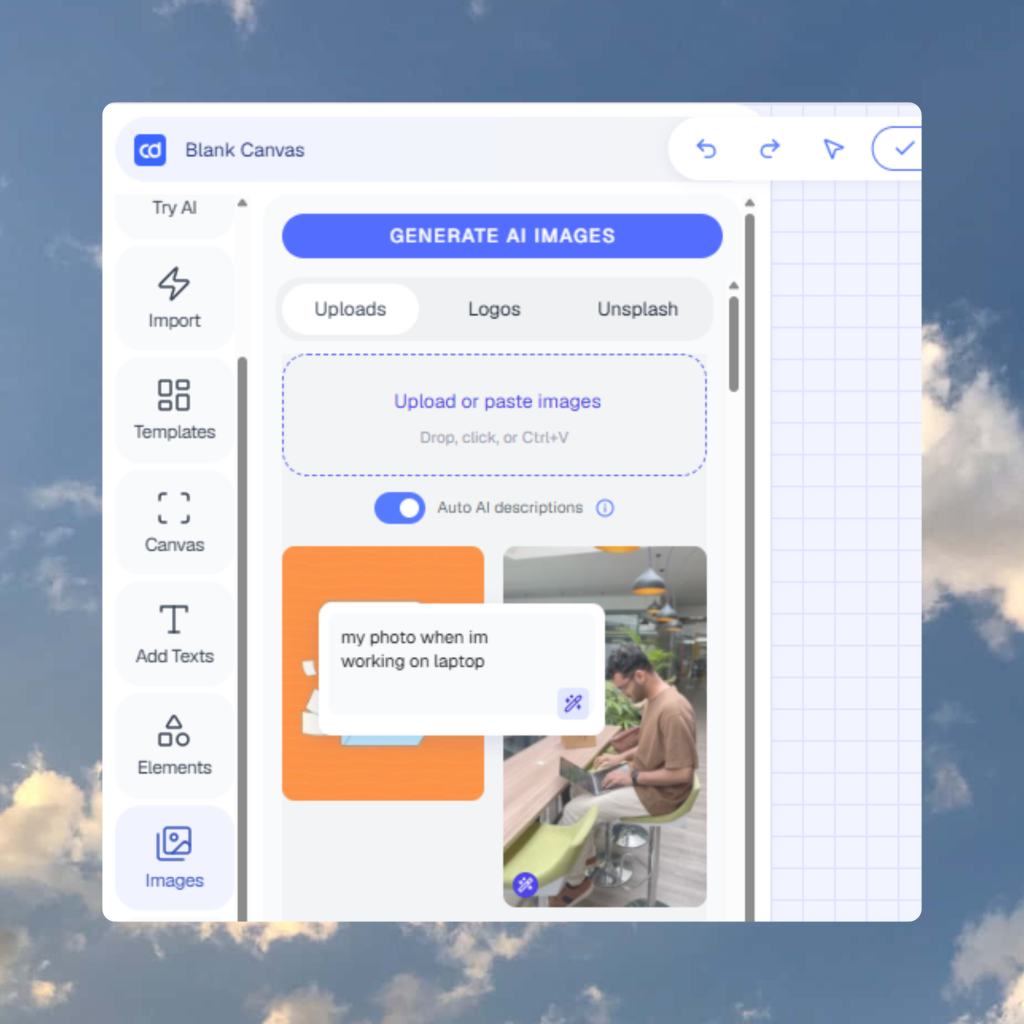
Use my branding
Apply your colors, fonts and logo automatically. Available on paid plans.
Change Anything by Asking Your AI Agent
Do not like the headline or the color? Say so. The agent updates the design on the same canvas.
- Make the title shorter
- Switch the palette to match my brand
- Add a slide about pricing
- Change the size to 9:16
Why not a template tool or a generic image…
Templates still need filling
A library is a starting point. This agent writes the type and applies the kit.
Templates hubImage models give you a flat PNG
Pretty, uneditable, wrong sizes. We return layers on a social canvas.
Carousels are next door
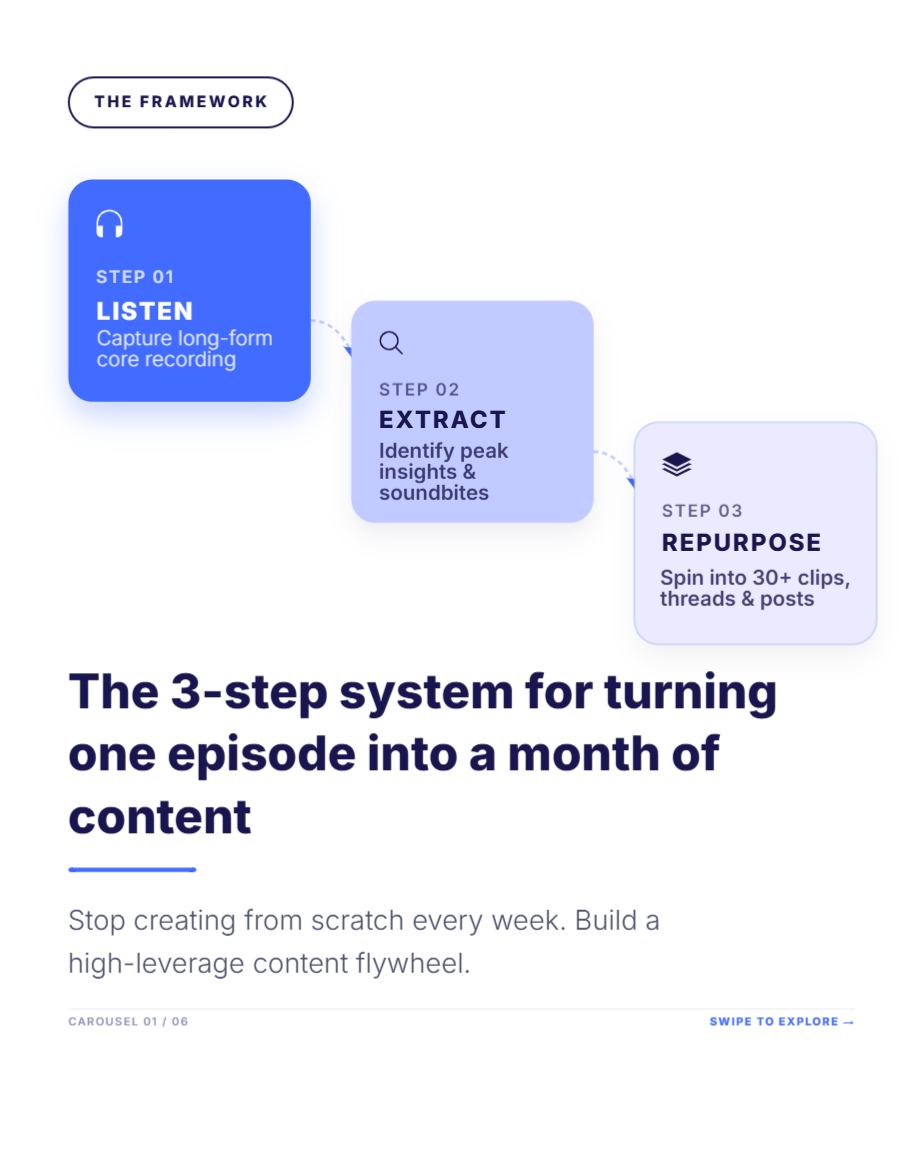
Multi-slide decks use the carousel generator. This page is single graphics, posters, quote cards.
Carousel generator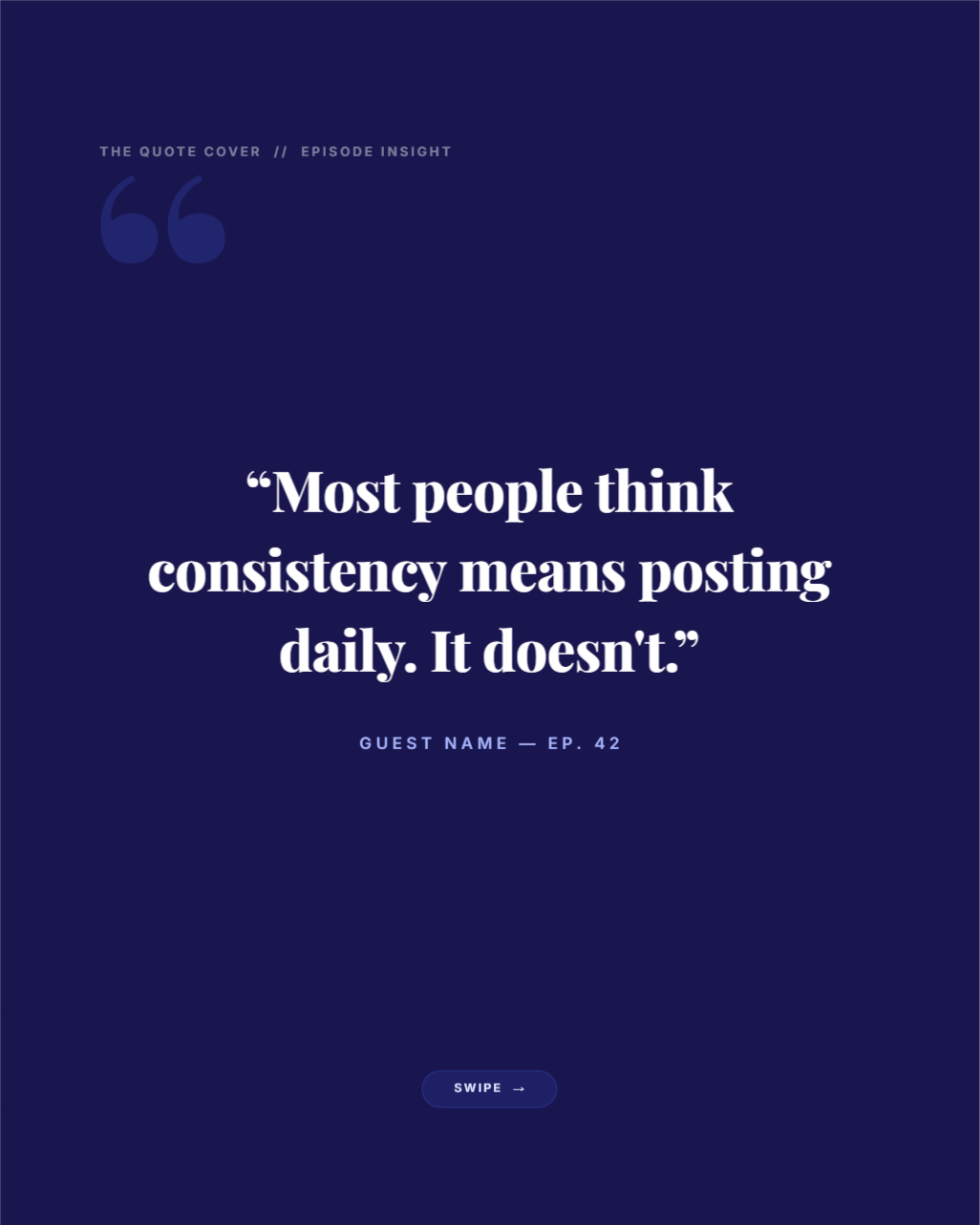
Upload a PNG. Get a layout you can retype.
Image-to-editable-template in the AI Graphic Design Generator with the photo as the brief. Use it when you already have a design you want to restyle, not when you only have a sentence.
Drop in
Carousel
Graphic
Text post
Questions
What is an AI graphic designer?
An AI graphic designer builds a design from a plain description. With Contentdrips you describe a post, and the AI Design Agent builds it on an editable canvas as a single image or a carousel.
Is the AI graphic designer free?
You can try it for free with no credit card. Some features, such as Use my branding, are on paid plans. The pricing page has current details.
What can I create with it?
Social media images, carousels, posters and infographics in 1:1, 4:5, 16:9 or 9:16.
Can I edit the result?
Yes. Every design is fully editable on the canvas, and you can also ask the agent to change it in chat.
Can it match my brand?
Yes. Turn on Use my branding on a paid plan to apply your colors, fonts and logo.
What is the difference between a saved style and a reference image?
A saved style is built from one to three inspiration posts and reused. A reference image is a one-off for a single design and is not saved.
Describe the next graphic. Keep the layers.
Free plan · no card