
FREE LISTICLE TEMPLATES
Listicle Templates
Turn your ideas into scroll-stopping listicle posts. Browse 1000+ free listicle templates, pick one, make it yours in minutes, and publish content your audience saves and shares.
100K+ Creators · 1000+ Listicle Templates · 5-Minute Setup
1000+ Free Listicle Templates. Ready to Use.
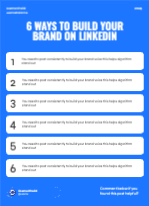
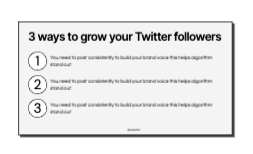
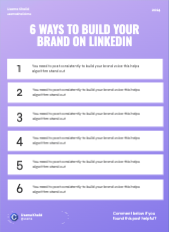
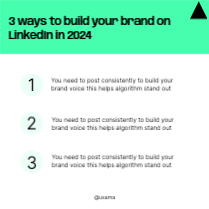
Every listicle template in this library is built for LinkedIn, Instagram, and carousel formats. They are sized correctly, designed for skimmability, and fully editable in minutes.
8 templates
Free to customize in the editor
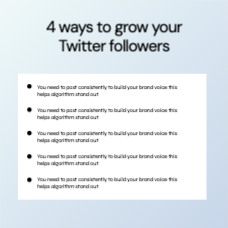
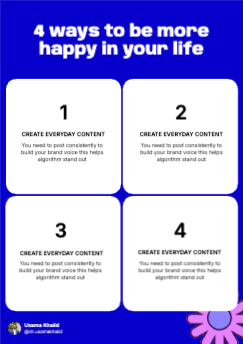
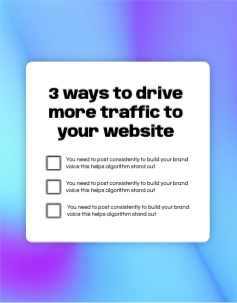
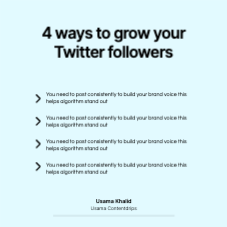
The Real Reason Your Listicle Posts Aren't Performing
Most people write a list, slap a number on it, and wonder why nobody saves it. The list isn’t the problem. These are.
Trying to cover too much
Every high-performing listicle communicates one tight idea. Not ’10 marketing tips’ but ’10 things killing your LinkedIn reach right now.’ One clear angle. Cut everything else.
No visual hierarchy
If every point looks the same, nothing gets read. The best listicle templates use contrast, numbering, and spacing to guide the eye from point to point without friction.
Generic points that anyone could write
Readers scroll past advice they’ve seen before. The listicles that get saved are specific, opinionated, and feel like they came from someone who’s actually done the thing.
Designed for desktop, forgot mobile
Over 60% of social browsing happens on mobile. A listicle that reads beautifully on desktop can become a wall of tiny text on a phone screen. Mobile-first layout is non-negotiable.
No clear hook in the first line
Your opening line is your only shot at stopping the scroll. If it doesn’t immediately tell the reader what they’re getting and why they should care, they’re gone.
Starting from a blank canvas
The blank page is where good listicle ideas go to die. A strong listicle template gives you the structure — you just bring the substance.
The Listicle Template Generator That Does the Work
Paste your LinkedIn URL or website and the AI reads your niche, your tone, your audience, and generates a listicle template matched specifically to what you actually do. Contentdrips doesn’t just give you a blank template. The AI reads your profile or website, extracts your positioning and tone.
- Pulls your niche and voice automatically from your profile
- Built for LinkedIn carousels, Instagram posts, and text formats
- Suggests headline structures proven to drive saves and shares
- Connect your socials and publish directly from Contentdrips
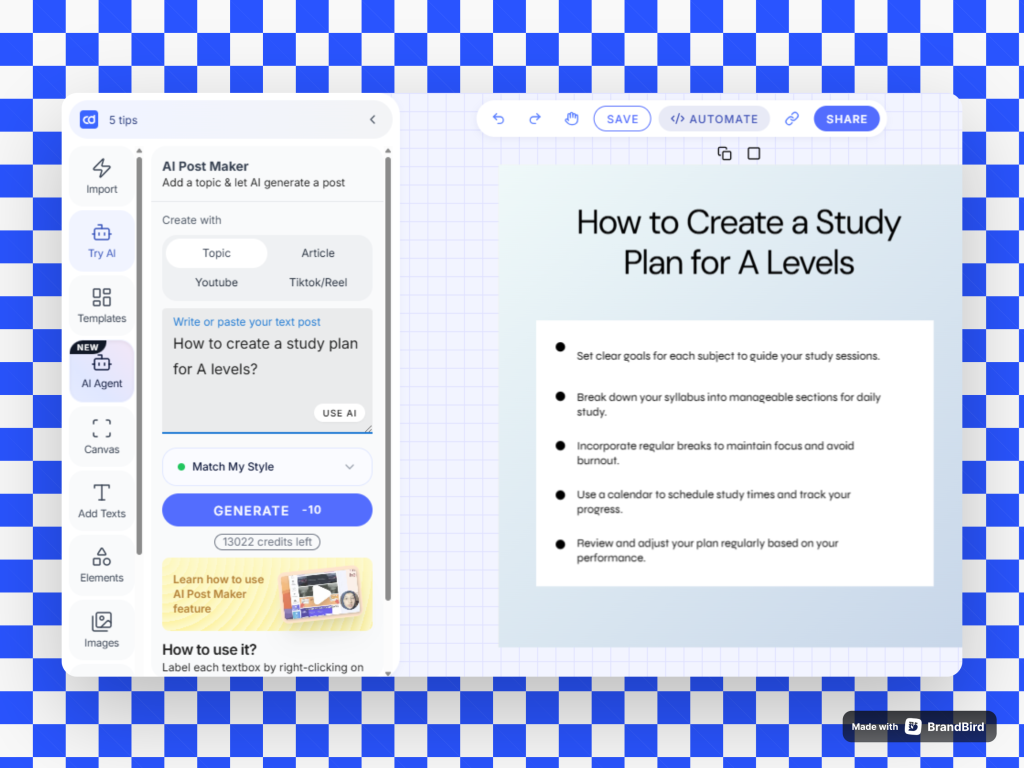
What Makes a Listicle Template Actually Effective
The principles behind every high-performing listicle post.
A magnetic headline with a number
Numbers create an instant content contract with the reader. ‘7 reasons your posts get ignored’ tells them exactly what they’re getting. Vague titles get scrolled past; specific numbered headlines get clicked.
One idea per point. No padding
The best listicle templates enforce discipline. Each item must pull its weight. If a point can be cut without the list feeling incomplete, it should be cut.
A hook that earns the scroll
Layer one is the headline. Layer two is the first line under it. Layer three is the CTA or payoff at the end. Lose any layer and the listicle loses momentum.
Built with skimmability in mind
Typography is doing design work, not just conveying information. Font weight, spacing, and contrast all determine whether someone reads your list or just glances at it.
A strong final point or CTA
The last item in any listicle is the most remembered. The best listicle templates reserve that slot for the sharpest insight or a clear next step.
Correct dimensions, every time
Every template outputs at the right dimensions for its platform: LinkedIn carousel, Instagram post, or text layout. No resizing, no cropping, no guessing.
How to Create a Listicle Post From a Template
Choose Your Template
Browse by category or use the AI generator. Every listicle template is pre-structured with a headline slot, numbered points, and a CTA so your content lands in the right place every time.
Write Your Points
Replace the placeholder copy with your actual insights. Aim for one punchy sentence per point. Specificity beats generality every time.
Apply Your Brand
If you’ve set up your brand kit, your colors and fonts apply automatically. If not, swap them manually as it takes under a minute.
Check Mobile View
Before you publish, preview how your listicle looks on mobile. The layout can shift depending on text length — catch it here, not after posting.
Publish or Download
Connect your LinkedIn or Instagram and publish directly. Or download at full resolution, no watermark, ready to upload.
Proven Listicle Template Strategies
Pick based on what job your listicle needs to do and not just what looks clean.
The Authority List
Bold claim headline + 5–10 tight insights + one contrarian take. Shows you know the space better than the generic advice floating around.
- Best for: Consultants, coaches, executives, thought leaders
The Mistake List
‘X things you’re doing wrong’ framing. High-engagement because it triggers self-audit. Works best when the mistakes are painfully specific and relatable.
- Best for: Educators, SaaS founders, service providers
The Resource Roundup
Curated tools, links, or frameworks in one place. Earns saves because it replaces a Google search. Strong for credibility without requiring original research.
- Best for: Creators, content marketers, community builders
The Numbered Lessons List
Personal experience framed as lessons. ’10 things I learned after 100 cold emails.’ First-person specificity makes it more credible than generic advice.
- Best for: Founders, career changers, early-stage builders
The Contrarian Take List
‘Everyone says X. Here’s why that’s wrong.’ High-friction headline, high reward. Works when you have genuine conviction and receipts.
- Best for: Established voices, niche specialists, thought leaders
Listicle Templates by Niche & Goal
The right listicle template for a B2B founder looks nothing like the right one for a career coach. Choose based on what resonates in your space.
Marketing & Growth
High visual literacy, high competition. The bar for generic is low. Your listicle needs a sharp angle and a specific audience to cut through. Use bold headlines and data points wherever possible.
Tech & SaaS
Your audience is skeptical and well-read. Listicles that teach something specific: a workflow, a framework, a tool comparison – outperform broad ‘tips’ lists every time.
Coaching & Education
Transformation and outcome language performs best. ‘5 things I did to go from X to Y’ outperforms credential-stacking. Show the result, not the resume.
Finance & Consulting
Specificity beats authority-signaling. One listicle that solves a precise problem outperforms ten generic lists about financial advice. Name the problem exactly.
Recruiting & HR
Candidate-facing listicles get massive organic reach. Culture and process transparency lists build employer brand faster than any ad campaign.
Creators & Personal Brand
Your audience follows you for your perspective. Listicles that share your actual opinions, hard-won lessons, or contrarian takes outperform curated roundups consistently.
Listicle Template Patterns That Are Actually Working Right Now
Real patterns from Contentdrips users generating the most saves and shares.
The Micro-Framework
Give the list a name. ‘The 3-part cold DM structure’ beats ‘3 tips for cold DMs.’ Naming a framework makes it shareable and quotable. Readers credit you when they repeat it.
- Best for: Consultants, coaches, educators
The Before/After List
‘What I used to do vs. what I do now.’ Side-by-side contrast is immediately readable and credible. Showing beats telling every time.
- Best for: Founders, career changers, growth pros
The Ranked List
Numbered from least to most important or most to least surprising. Ranking signals confidence and gives readers a reason to read to the very end.
- Best for: Any niche challenging conventional wisdom
The Insider List
Things ‘they’ don’t tell you. Information asymmetry is the hook. Readers feel like they’re getting access to something most people miss.
- Best for: Industry insiders, niche specialists, senior practitioners
The Tool Stack List
Specific tools, why you use them, what they replaced. High save rate because it’s immediately actionable and hard to replicate without genuine experience.
- Best for: Operators, founders, marketers with real workflows
The Contrarian Teardown
Take a common list everyone’s seen and flip it. ‘Everyone tells you to do X, here’s the actual data.’ Instant differentiation.
- Best for: Anyone with data, research, or real case experience
What Creators Say About These Listicle Templates
★★★★★
“Posted my first listicle using one of the templates on a Tuesday. By Thursday it had 40+ saves and three people DMed asking about my services. Never got that from a regular post.”
BB2B Consultant
8K followers
★★★★★
“The AI pulled my exact positioning from my LinkedIn and built a listicle structure around it. Felt like it was written for me, not just filled in.”
SSaaS Founder
contentdrips.com user
★★★★★
“I used to spend two hours on a post like this. Now it’s twenty minutes, and the output is actually better. The structure forces me to be more specific.”
MMarketing Coach
15K followers
Frequently Asked Questions About Listicle Templates
What is a listicle template?
A listicle template is a pre-built content structure designed to present information in a numbered or bulleted list format. It includes a headline slot, formatted list items, and often a CTA — so you fill in your ideas without starting from scratch.
What's the ideal number of items in a listicle?
Odd numbers (5, 7, 9) tend to perform better because they feel less rounded and more considered. That said, the right number is whatever it takes to cover the idea fully without padding. Never add a point just to hit a round number.
Are these listicle templates actually free?
Yes. Every template in the free library is available without a watermark. Premium and AI-generated templates are available on paid plans, but there are hundreds of free listicle templates to start with.
What formats do the listicle templates come in?
Templates are available for LinkedIn carousel posts, Instagram carousel posts, single-image posts, and text-only formats — all pre-sized and platform-optimized.
How are these listicle templates different from Canva?
Canva gives you design tools. Contentdrips gives you content structure. The templates are built around how listicle posts actually perform — with headline frameworks, point hierarchies, and CTA placements informed by real engagement data.
Can I use a listicle template if I don't have design experience?
Yes. Everything is point-and-click. Choose a template, replace the placeholder text with your content, and your brand kit applies automatically. No design decisions required.
What should I actually put in a listicle post?
Start with a tight, specific angle — not ‘marketing tips’ but ‘things slowing down your LinkedIn growth right now.’ Each point should be one idea, stated as concisely as possible. End with your sharpest insight or a clear CTA.
How often should I post listicles?
Once or twice a week is a sustainable rhythm for most creators. Listicles are high-value, high-save content — they take more to create than a text post but compound better over time.
Do listicle posts actually help with reach?
Yes — listicles consistently rank among the highest-saved content formats on LinkedIn and Instagram. Saves signal quality to the algorithm, which extends organic reach without paid promotion.
Can I use the same listicle template for multiple posts?
Absolutely. The best creators reuse the same structure with different angles. Once you find a template format your audience responds to, it becomes a repeatable content engine.
More Listicle & Social Templates
Explore more template categories built for LinkedIn and social media professionals.